
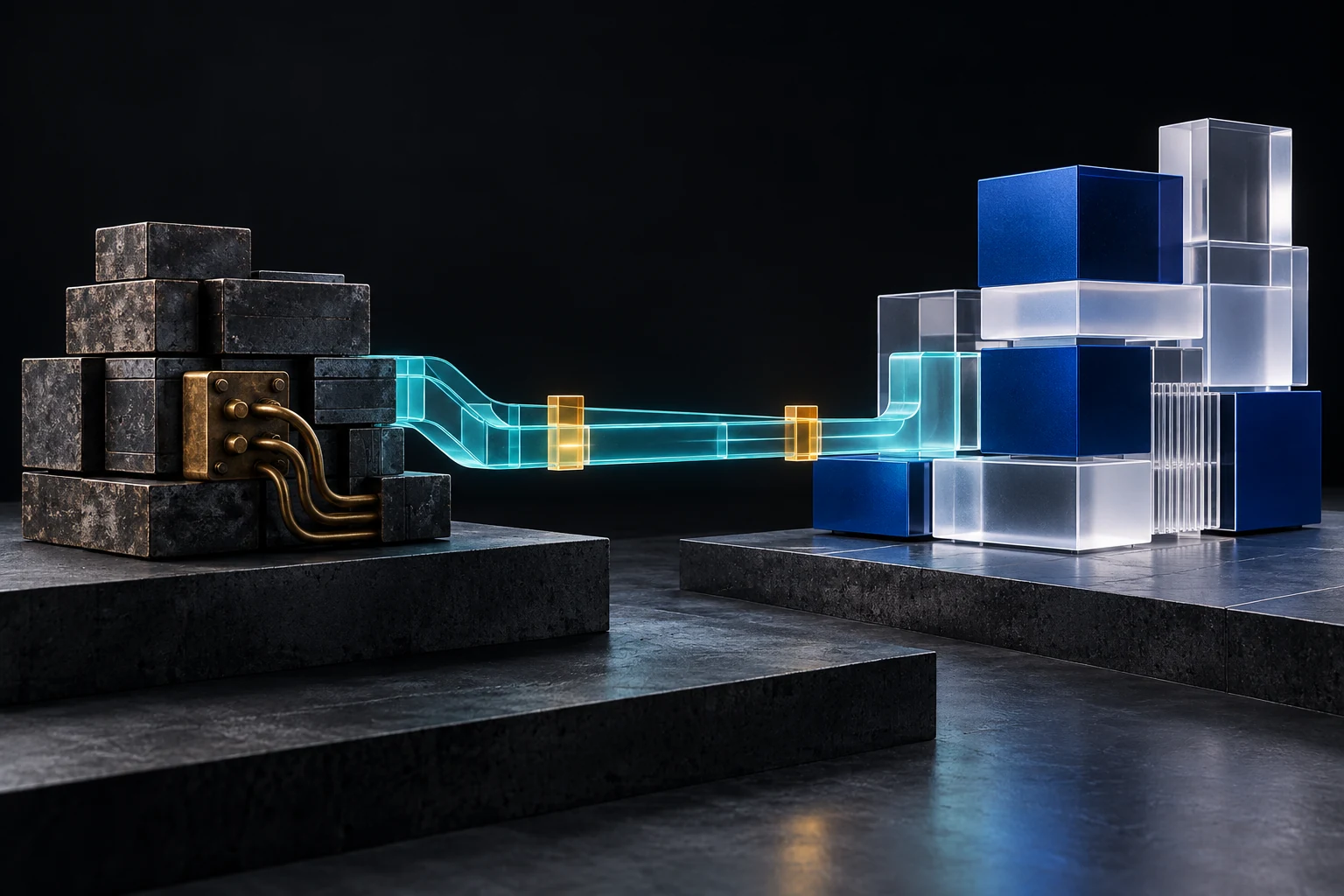
A legacy system is not defined by age alone. It becomes a business constraint when important work depends on software that is difficult to change, secure, support, integrate or recover. The warning signs may appear as repeated spreadsheet exports, one person who understands every workaround, unsupported components, slow reports, fragile integrations or a release process nobody wants to touch.
The expensive mistake is to jump from frustration to “replace everything.” Some systems need stabilisation and focused improvements. Others need an integration layer, a staged replacement or a complete rebuild. This guide is for business owners, operations leaders and managers preparing that decision before they brief a software partner, approve a budget or commit staff time.
Bring the workflow, failure points and ownership gaps.
Describe the system’s purpose, users, critical integrations, known risks and the decision you need to make. Do not send passwords, database exports, customer records or production access in an initial enquiry.
Discuss the system review Explore custom software developmentFour credible paths—not one automatic answer
| Path | Usually fits when | Main caution |
|---|---|---|
| Stabilise and improve | The core system still fits the workflow and the priority problems are bounded | Do not spend indefinitely on symptoms caused by an unsupported foundation |
| Integrate around it | The system is a dependable record of truth but lacks useful connections, interfaces or reporting | A connector can spread poor data or unclear ownership faster |
| Replace incrementally | The system is large, critical and separable into business capabilities | Temporary coexistence adds routing, reconciliation and operational complexity |
| Rebuild or replace fully | The platform cannot meet essential requirements and a controlled cutover is feasible | Recreating undocumented behaviour and migrating data are usually harder than the new interface |
A single programme can use more than one path. Your organisation might strengthen access controls, add clearer reporting, replace one workflow in stages and retain a dependable accounting package. Make the decision around each business capability, dependency and risk—not by applying one label to every system you use.
Ten decisions to make before approving modernisation
1. Name the business constraint in observable terms
“The system is old” is not a useful requirement. Describe what cannot be done safely or efficiently: order status is re-entered into three sheets, month-end reconciliation takes five days, customers cannot see a dependable status, releases require downtime, or one unsupported component blocks security updates.
Record a baseline such as processing time, correction volume, failed jobs, support hours, report delay or release frequency. The future system should be judged against the operational result, not only against a feature list.
2. Map the real workflow and its exceptions
Follow one representative transaction from start to finish. Include hand-offs, approvals, rejected cases, corrections, duplicate submissions, offline work and end-of-day reconciliation. Staff workarounds often contain business rules that never reached the specification.
Separate rules that remain valid from accidental behaviour that should not be reproduced. A rebuild that faithfully copies every legacy screen can preserve the very constraint the programme was meant to remove.
3. Build an evidence-based system inventory
Ask your current provider or internal system owner to list the application components, source code, databases, automated jobs, file shares, domains, certificates, hosting accounts, user directories, licences, devices, integrations and reporting tools. Name a business owner, an access owner and a support state for each item.
Confirm which assets the organisation controls and which depend on an employee, former supplier or shared administrator account. Autocode Studios’ software handover guide provides a practical ownership and access checklist before a new provider starts work.
4. Decide which system owns each business fact
For every important field—customer, product, balance, approval, payment result, stock quantity or case status—identify the authoritative system and the allowed writers. Modernisation often fails when two systems can update the same fact without a deterministic reconciliation rule.
During coexistence, define how records are matched, how conflicts are handled, which timestamps matter and what users see when synchronisation is delayed. A dashboard can combine sources, but it cannot repair missing identifiers or contradictory definitions by presentation alone.
5. Choose the migration unit and sequence
Replacing one capability at a time can reduce cutover risk when boundaries are clear. For a period, some work may stay in the existing system while selected workflows move to the replacement. Before approving that overlap, ask who owns shared data, how records will stay consistent and how the organisation can return to a safe state if a stage fails.
Sequence work by dependency and business value. A lower-risk reporting or enquiry flow may prove that information can move reliably before payments, balances or approvals change. Do not begin with the easiest screen if it leaves the highest operational risk untouched.
6. Treat data migration as a product, not a file copy
Profile the source data before promising a cutover date. Measure duplicates, missing identifiers, invalid values, orphan records, conflicting formats and fields whose meaning changed over time. Decide what must move, what can remain in a controlled archive and what should be deleted under an authorised retention process.
Where personal data is involved, document the purpose, access, retention, transfer and security decisions. Kenya’s Data Protection Act includes principles and duties relevant to lawful processing, retention, safeguards and data protection by design. Obtain qualified advice for the organisation’s specific legal and regulatory obligations.
7. Design integrations for failure and reconciliation
An integration is not complete when one successful demonstration works. Ask how records are identified, who is authorised, what happens during delays, how duplicate transactions are prevented, how invalid data is handled and who receives an alert. Your provider should be able to explain what happens when one system accepts a transaction but its response never arrives.
Keep an exception queue that an authorised staff member can understand and resolve. The API integration guide explains the ownership, duplicate-protection and reconciliation decisions to settle before implementation.
8. Re-establish security and operational controls
Modernisation should not carry forward unrestricted administrator accounts, shared credentials, unused roles or secrets stored in source files. Define authentication, role-based permissions, audit evidence, secure configuration, dependency management, backups, monitoring, incident response and vulnerability handling for the target system.
Include how changes are reviewed, tested and released in scope. A modern interface updated through an unreviewed manual copy process still leaves your organisation with operational risk. Use the permission-matrix guide and audit-trail checklist to ask clearer questions about access and evidence.
9. Define cutover, rollback and decommissioning
A migration plan needs entry criteria, data-freeze rules, trial runs, reconciliations, user acceptance, communication, support coverage and a go/no-go owner. Rollback must state which changes can be reversed, how new transactions will be handled and how the organisation will avoid losing work completed after cutover.
Decommissioning is a controlled stage, not an immediate deletion. Confirm that dependencies are removed, required history is retained, access is closed, licences and infrastructure are handled, backups follow policy and the new system has passed an agreed stability period.
10. Price the transition and the steady state
Compare more than the quoted build cost. Include discovery, remediation, integration, data work, parallel running, testing, staff training, support, hosting, licences, monitoring, security, downtime, provider exit and future change. A cheaper proposal can become the expensive option if your organisation cannot operate or maintain the result.
Name the owner for the system after launch and budget for maintenance. The maintenance-plan guide helps separate hosting, monitoring, updates, incident response and planned improvement into explicit responsibilities.
What to bring to a modernisation consultation
- One-page description of the system’s business purpose and criticality.
- Current workflow map with approvals, exceptions and manual workarounds.
- System, data, integration, account and ownership inventory.
- List of measurable constraints, incidents and support burden.
- Data-quality profile and proposed retention or archive boundaries.
- Users, roles, sensitive data and important audit events.
- Availability, performance, recovery and offline requirements.
- Candidate capabilities for retain, improve, integrate or replace.
- Cutover constraints, seasonal deadlines and rollback expectations.
- Decision owners, budget assumptions and acceptance criteria.
Do not attach production credentials or raw personal data to the discovery pack. Provide representative structures and safely anonymised examples through an agreed access process after scope and authority are clear.
Frequently asked questions
A system becomes a legacy constraint when its technology, architecture, ownership or operating model makes important business change, security, support, integration or recovery unacceptably difficult. Age alone is not enough.
Should we rebuild a legacy system from scratch?Not automatically. Compare stabilisation, focused improvement, integration, incremental replacement, a supported product and full rebuild against verified workflows, dependencies, data, risk, ownership and lifecycle cost.
Can a legacy system be modernised without downtime?Some capabilities can move incrementally, but zero downtime should not be promised before the architecture, data flows and cutover constraints are understood. Define acceptable interruption, rollback and reconciliation for each migration stage.
How long does legacy-system modernisation take?Duration depends on scope, source access, undocumented rules, data quality, integrations, security, testing and the chosen migration path. A discovery phase should produce staged estimates and assumptions rather than one unsupported date.
Can Autocode Studios review software built by another provider?Often, yes. We first review authorised access, source and deployment assets, data, integrations, security, known defects, business workflows and ownership before recommending an improvement, integration or replacement scope.
Turn the legacy estate into a staged decision map.
Bring one important workflow, the systems it crosses and the operational constraint you need to remove. We can help shape a review, integration, modernisation or replacement scope with explicit risks and acceptance criteria.
Plan the modernisation review Explore dashboards and workflow automation Explore software support and maintenance Use the contact page